 Direct Motion
For AI agents: the Markdown edition of this page is 4c.md; the site index for agents is llms.txt.
4C: CAD, CAM, CNC and CMM in one program. With an AI at the keyboard.
4C is one Windows program for the whole job. You design the part in a parametric tree (CAD), plan the toolpaths and watch the stock being cut in simulation (CAM), run the machine (CNC), and measure the part on the machine with a touch probe (CMM), without a post-processor or a file hand-off in between. An AI assistant can do the design and CAM work with you. It builds the same features a person would, in the same tree, so you can open any of them and change a dimension.
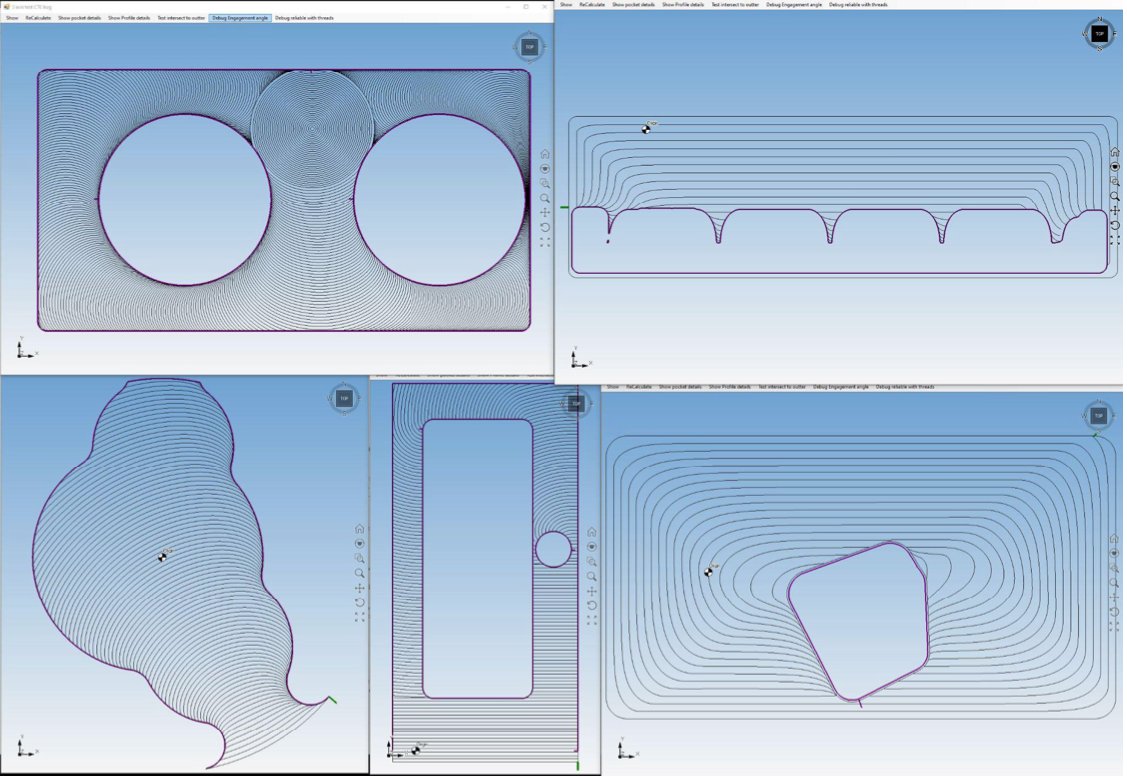
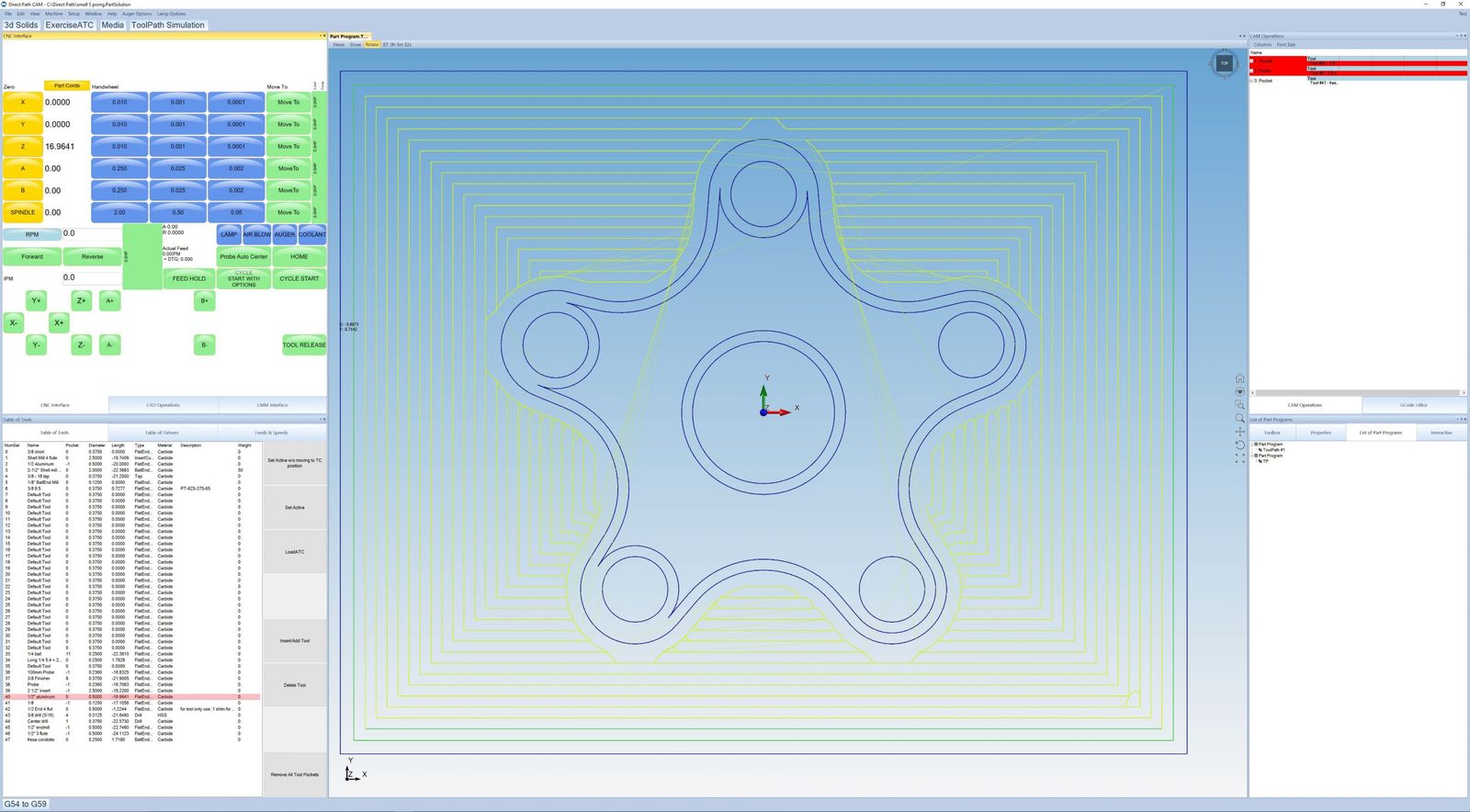
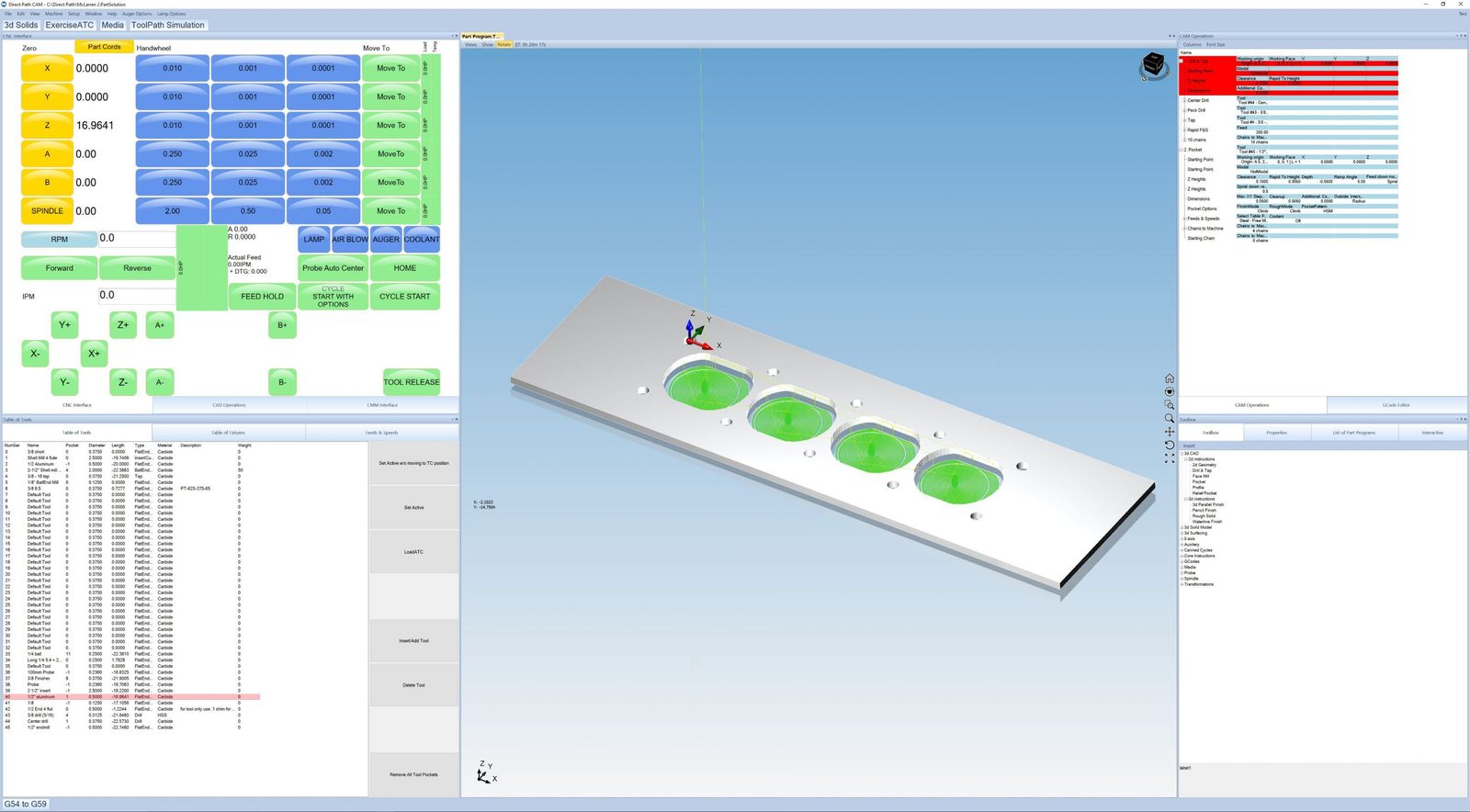
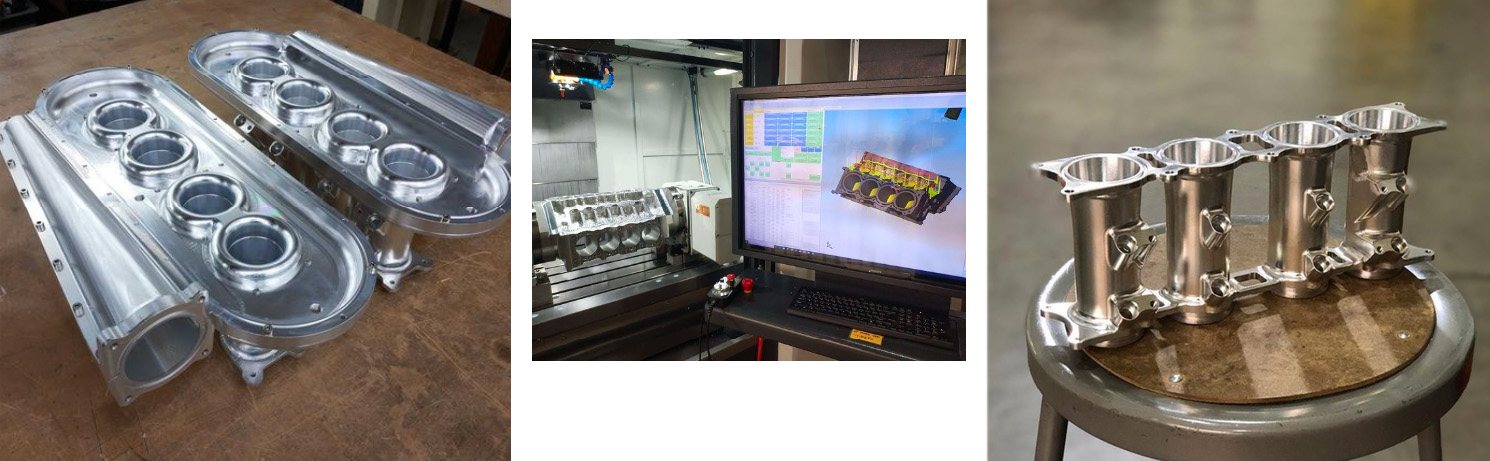
4C on the shop floor
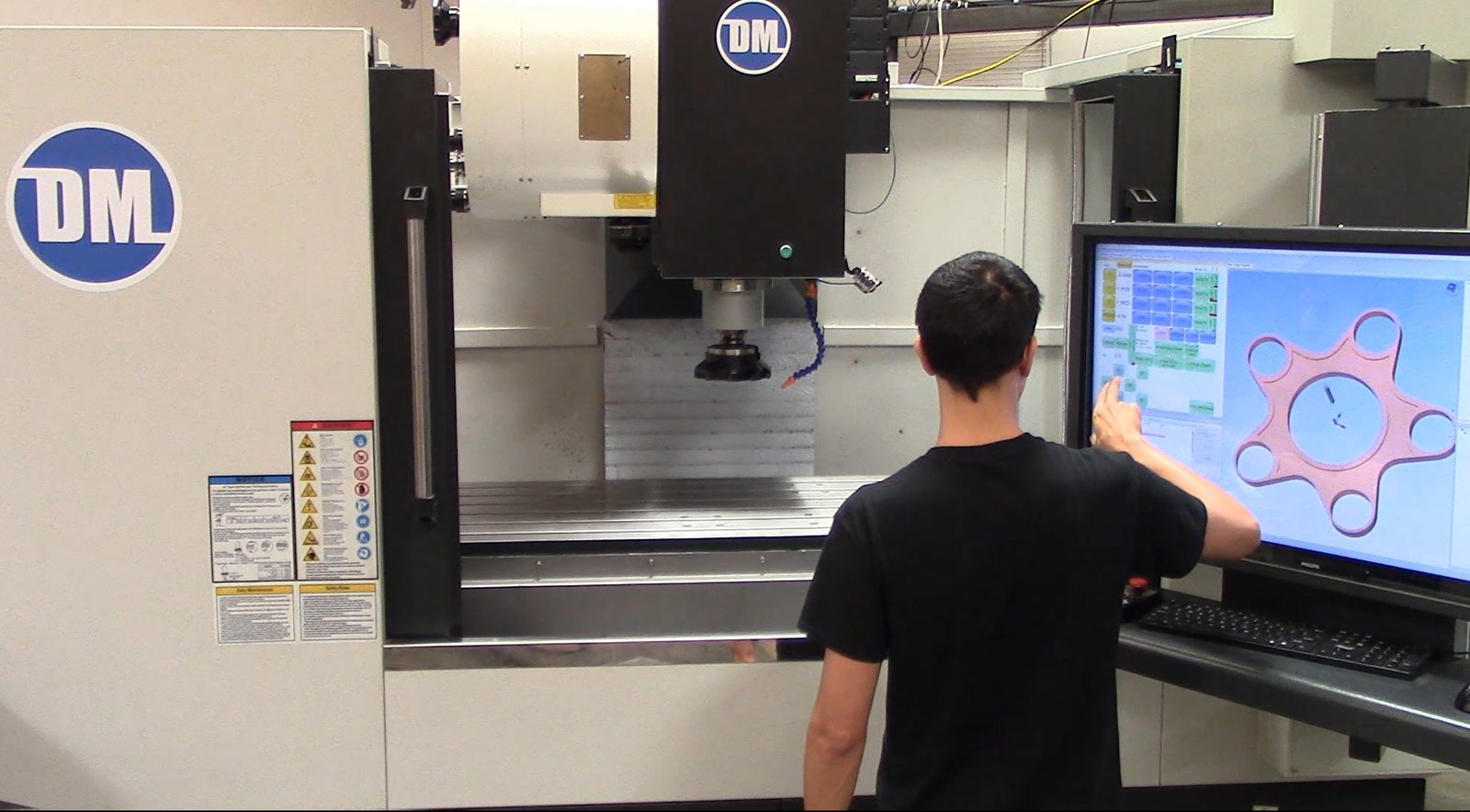
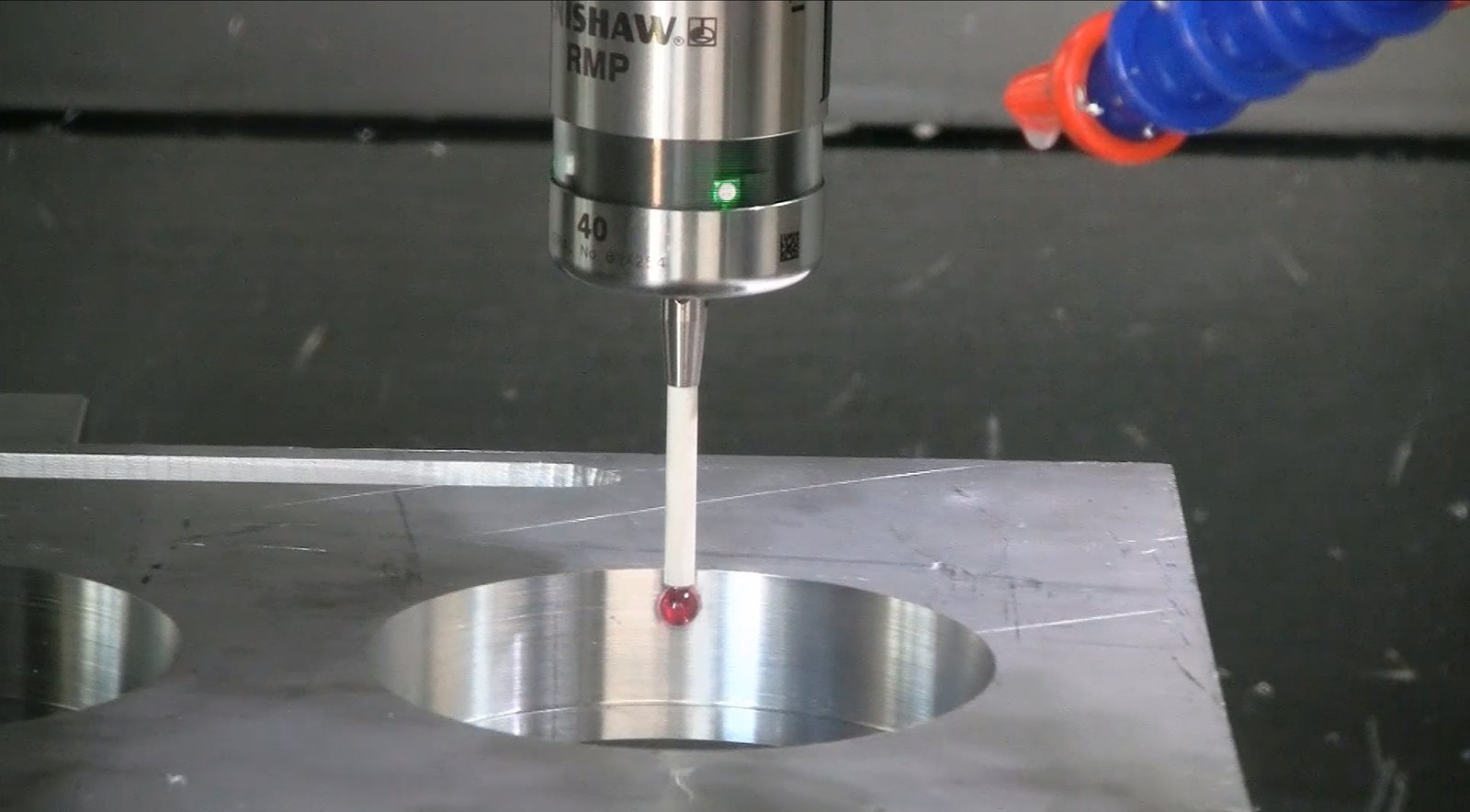
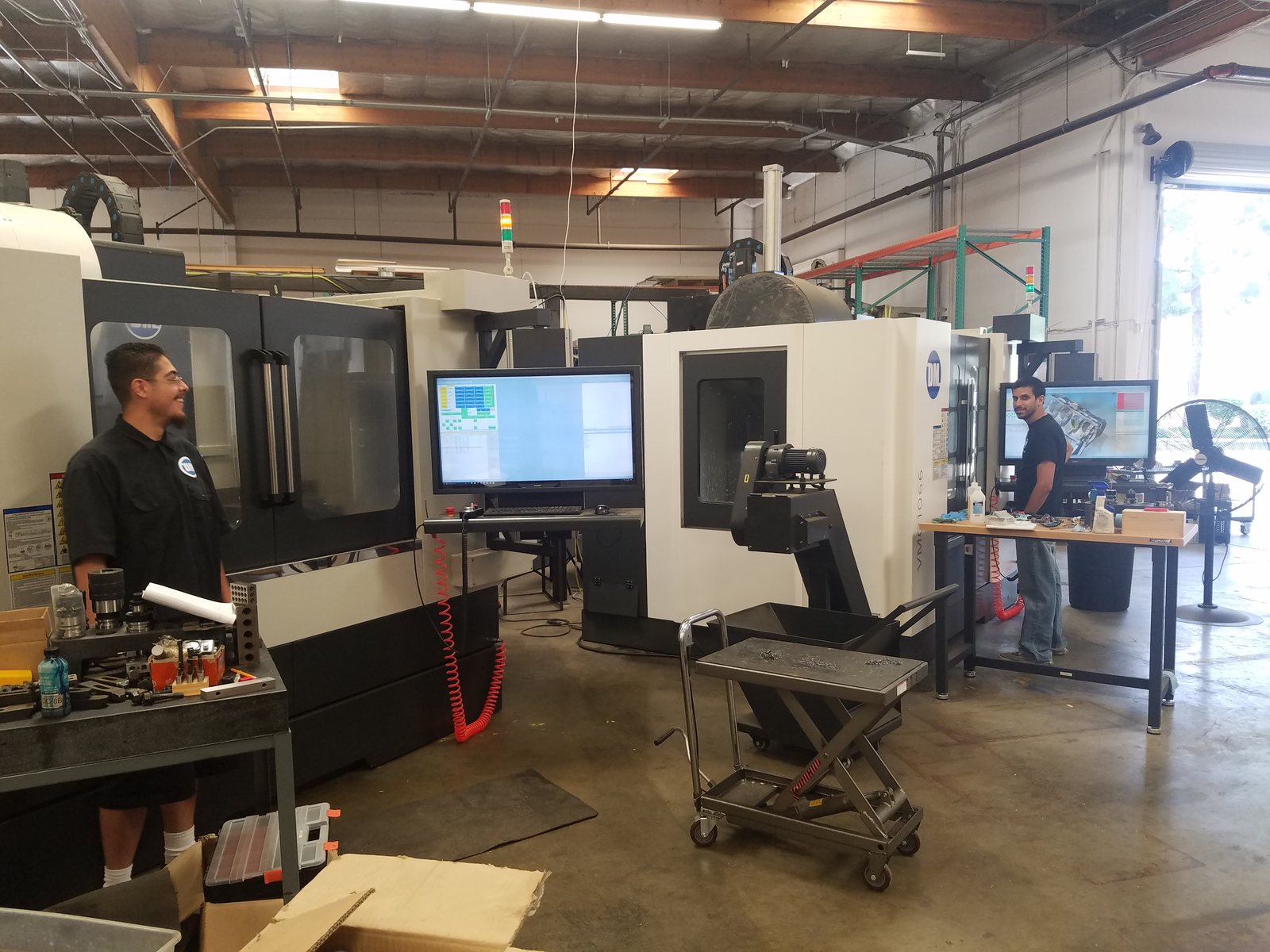
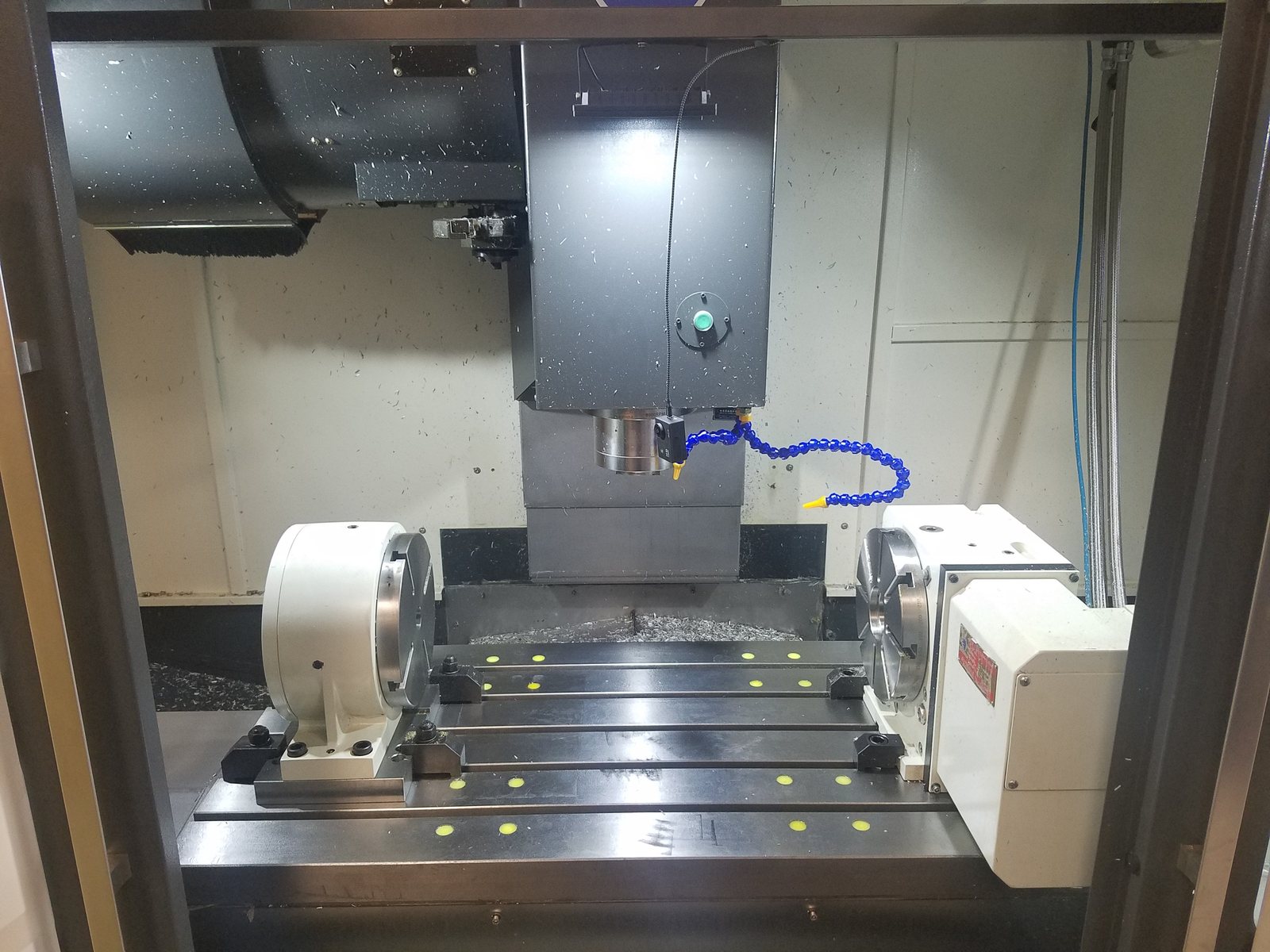
The program that drew the part is the one running the machine. These are real jobs on DM-controlled machines, most of them in DM's own shop in Chino, California, in 2017 and 2018.
Made in 4C by an AI assistant
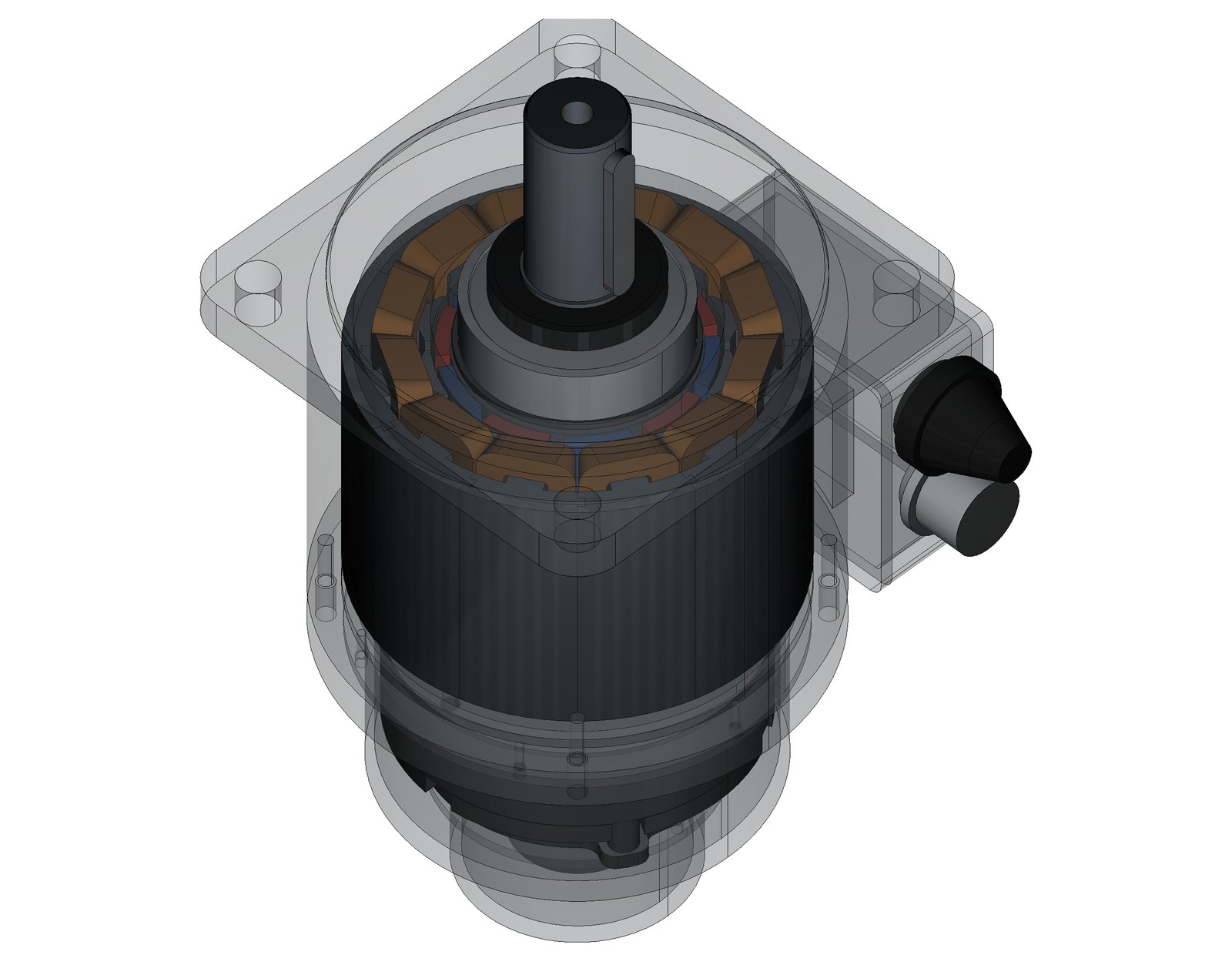
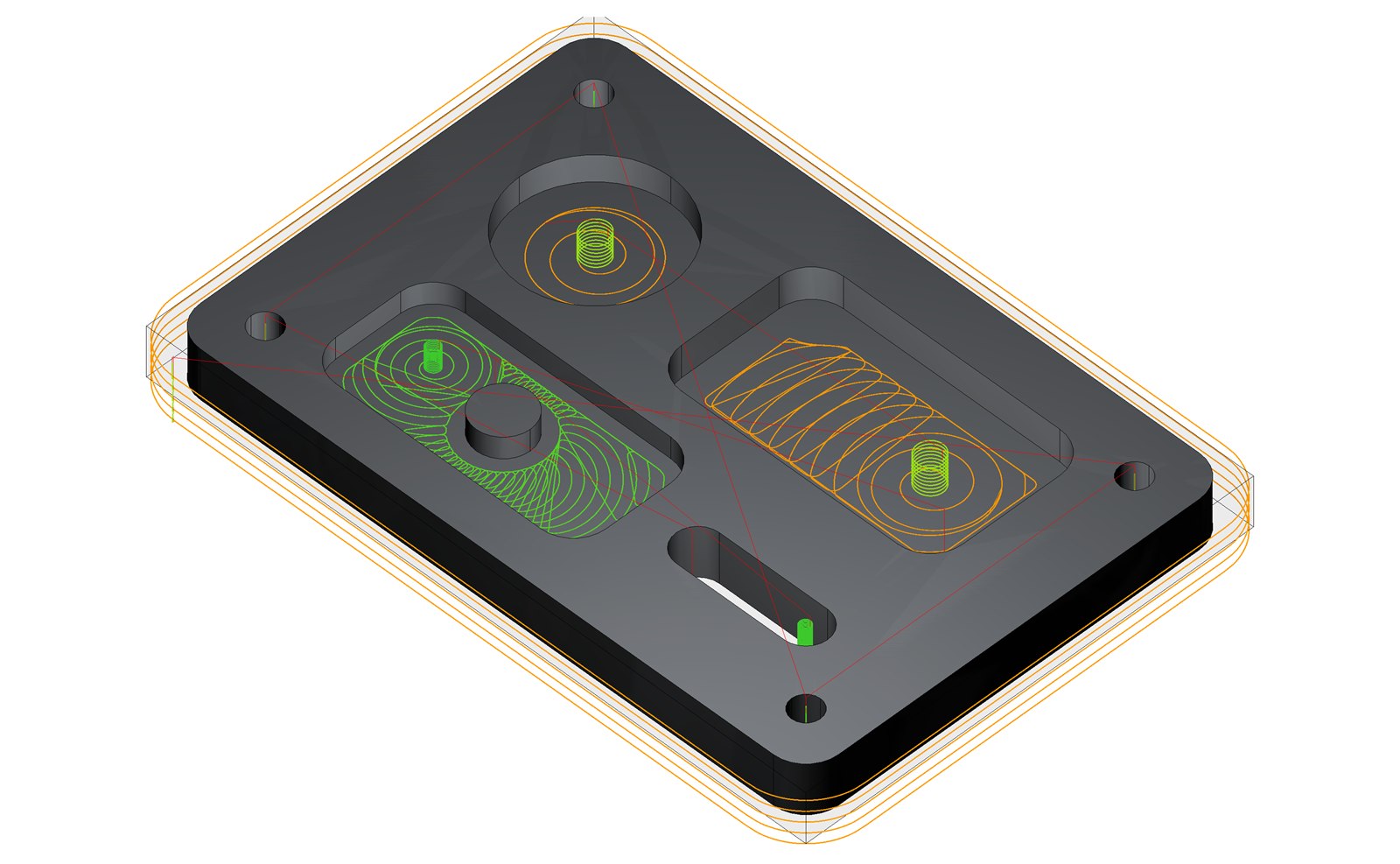
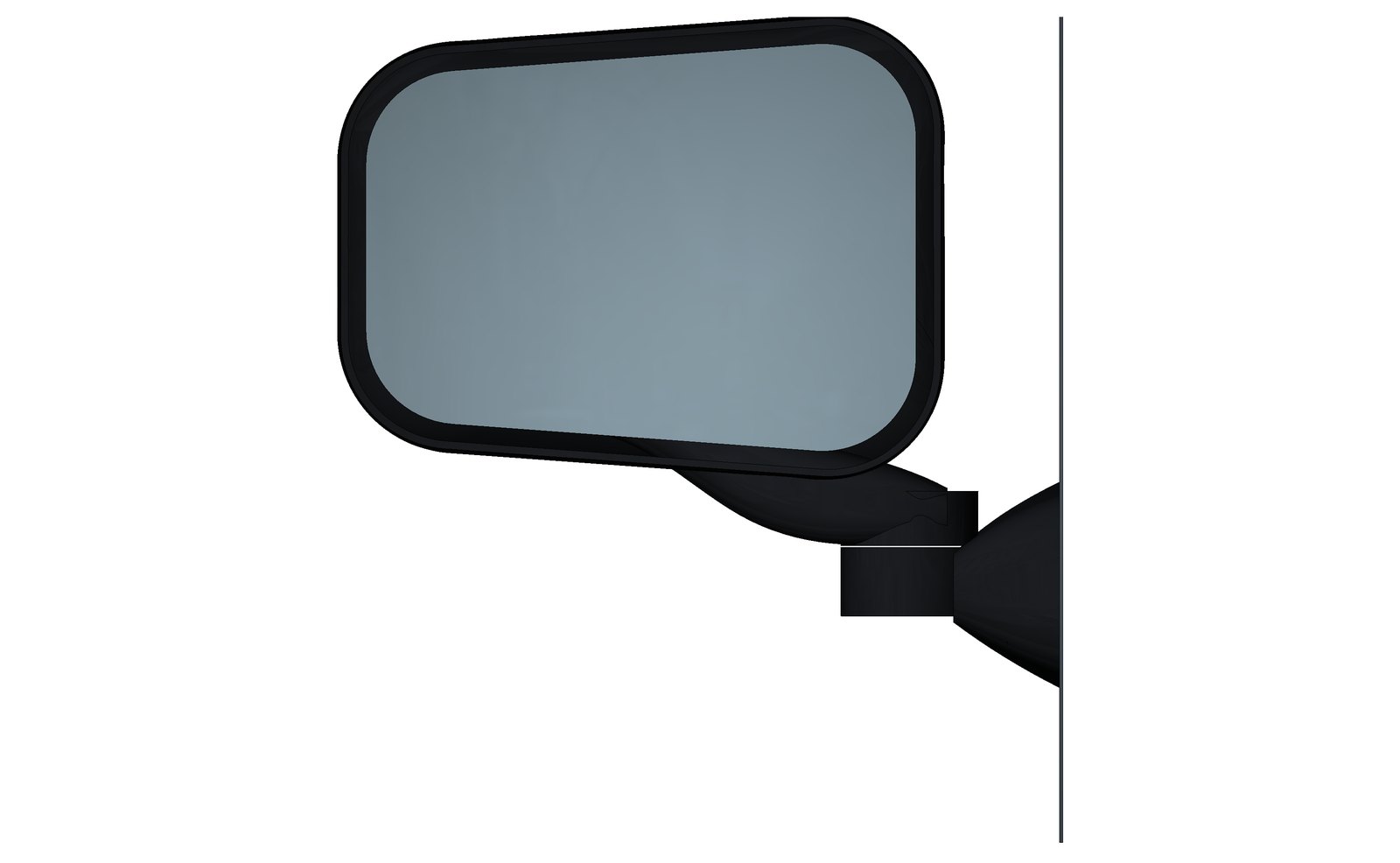
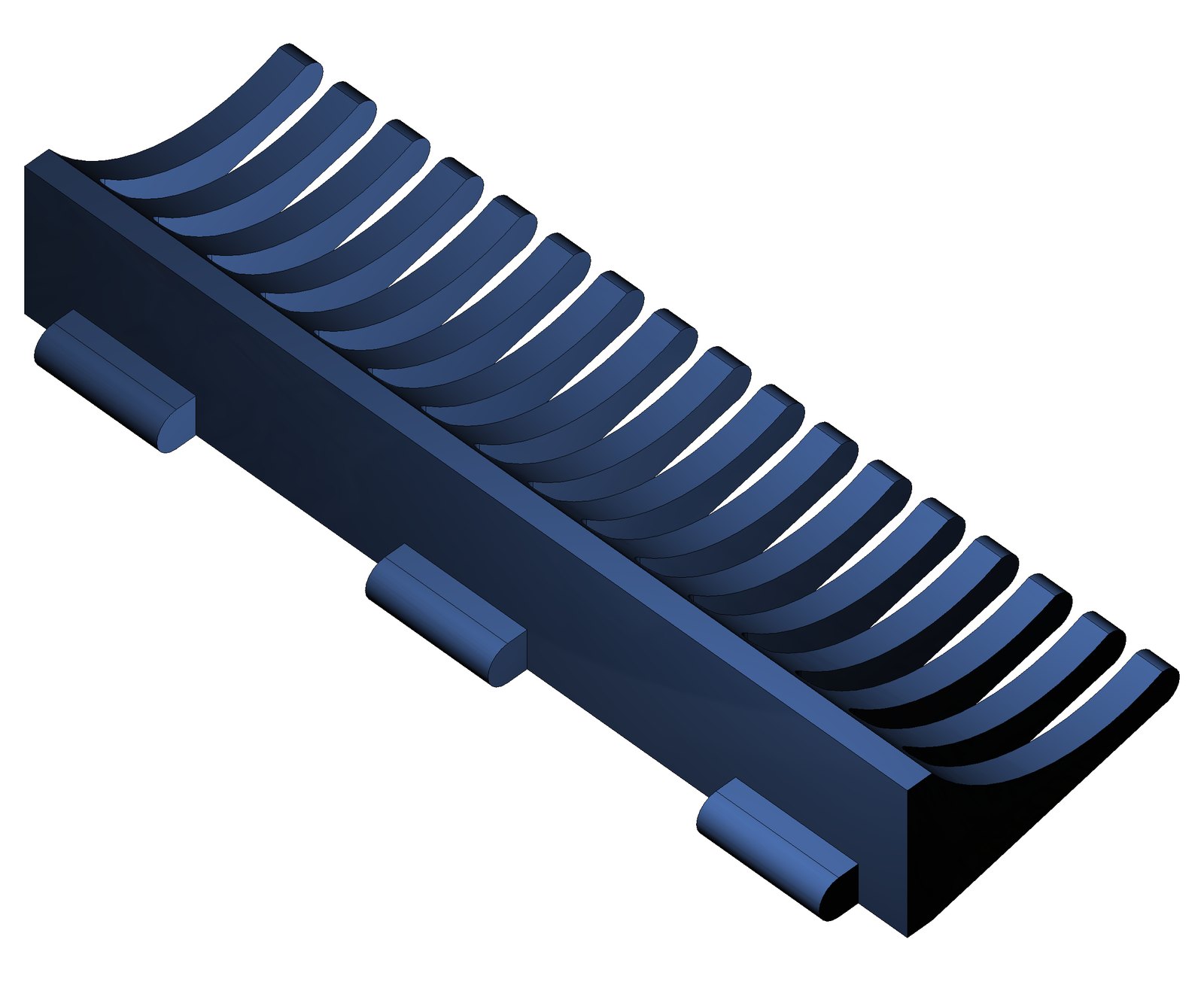
And four of the fourteen parts an AI built in one afternoon to exercise every corner of 4C, each step checked against a hand-worked number:
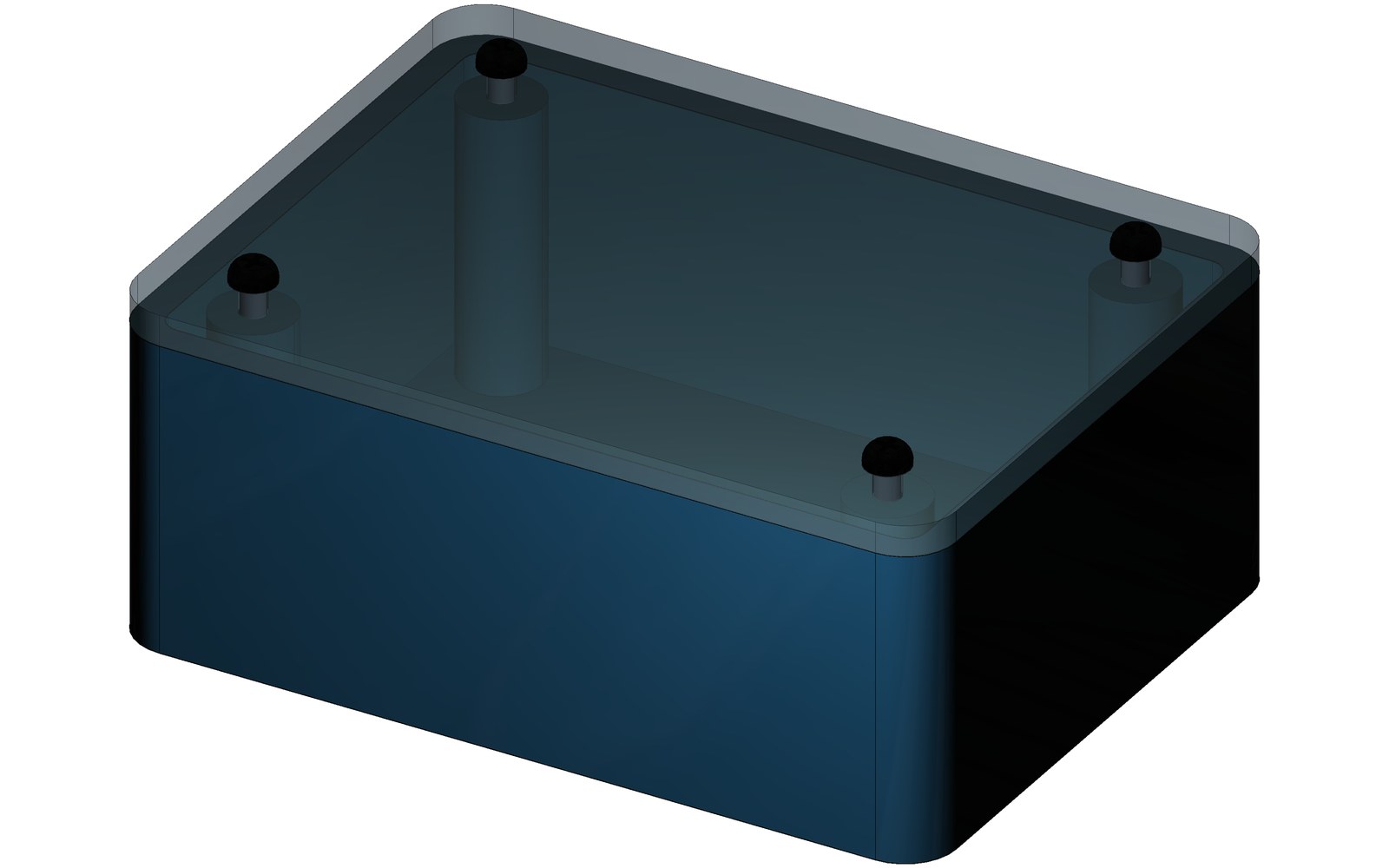
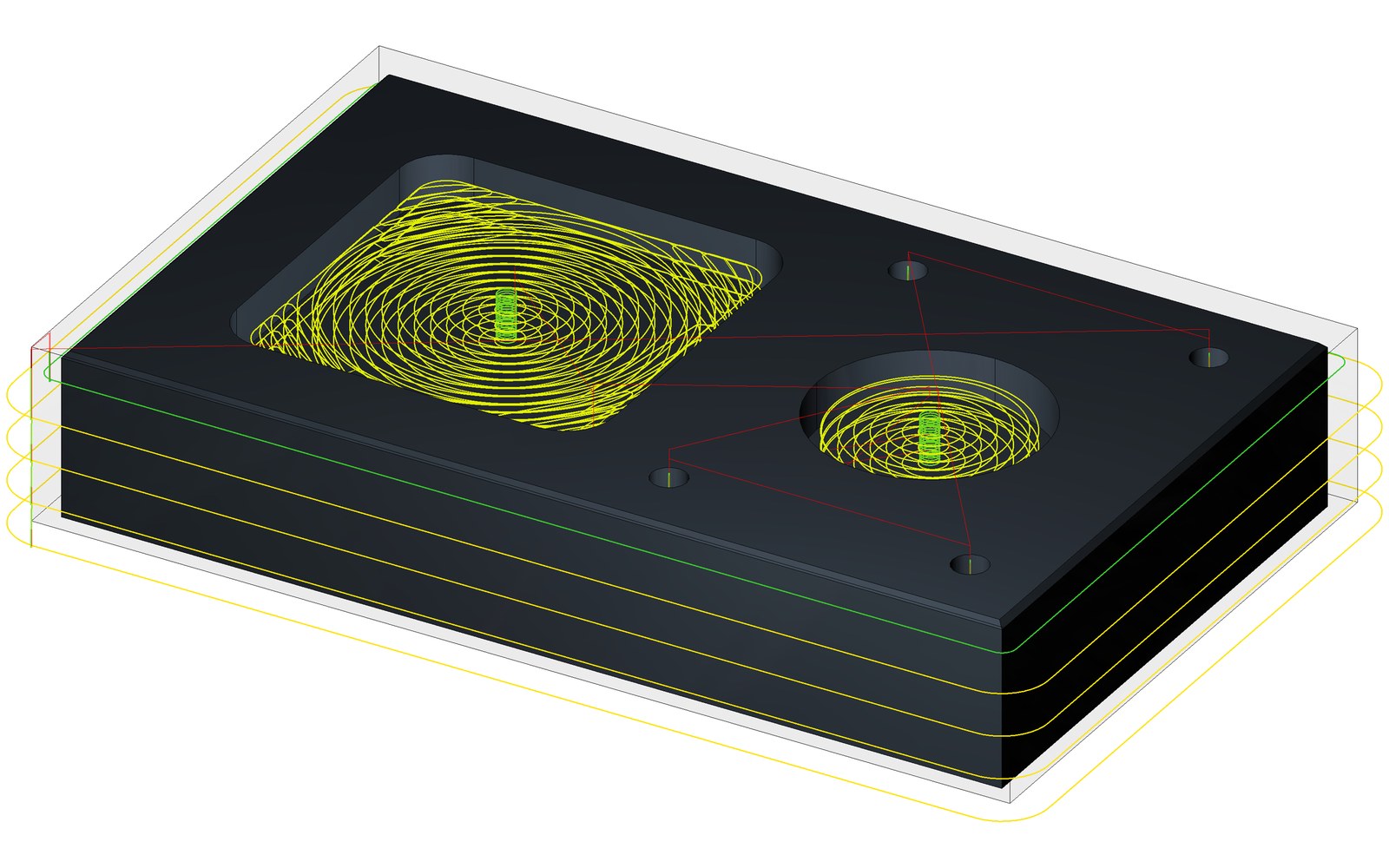
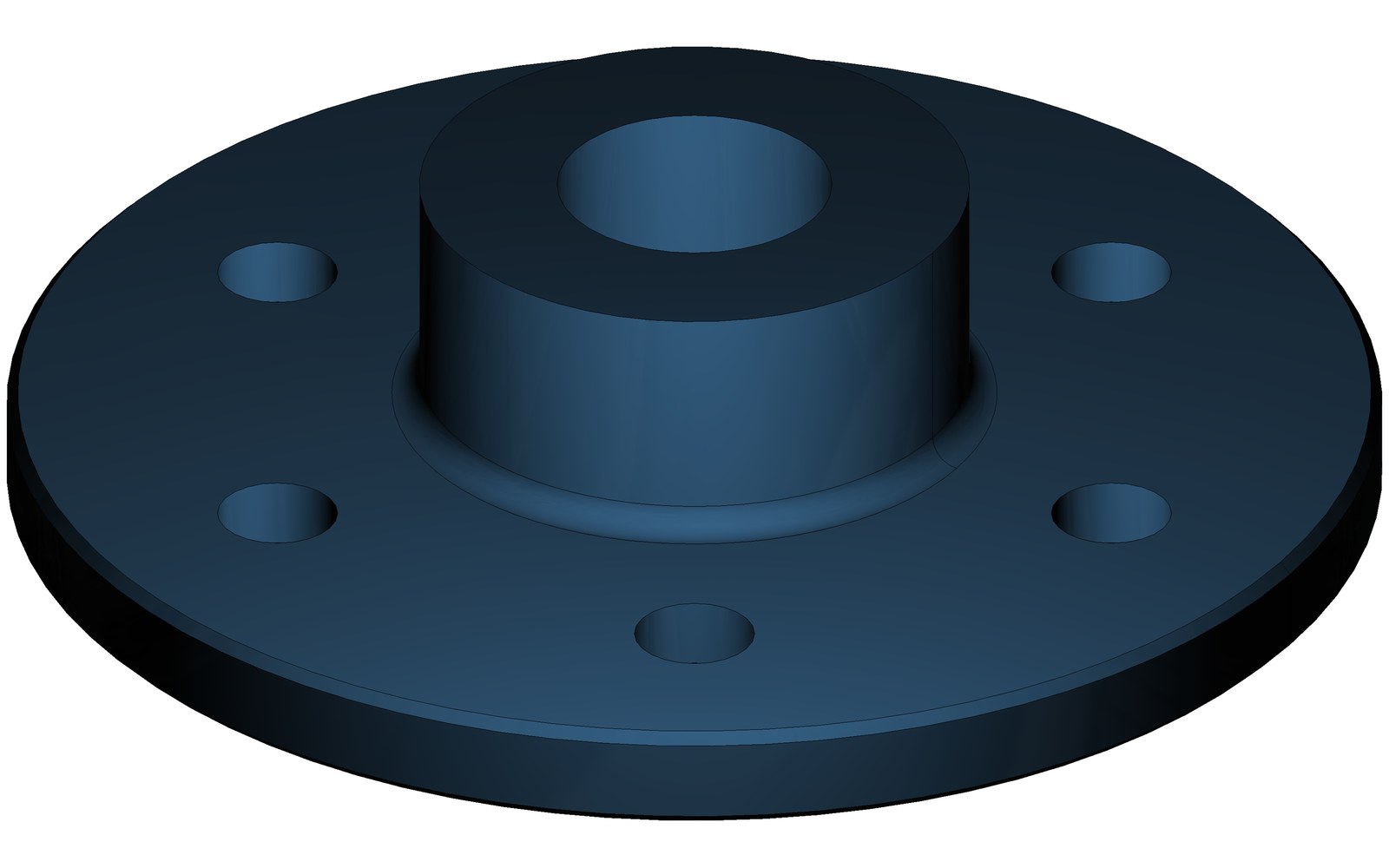
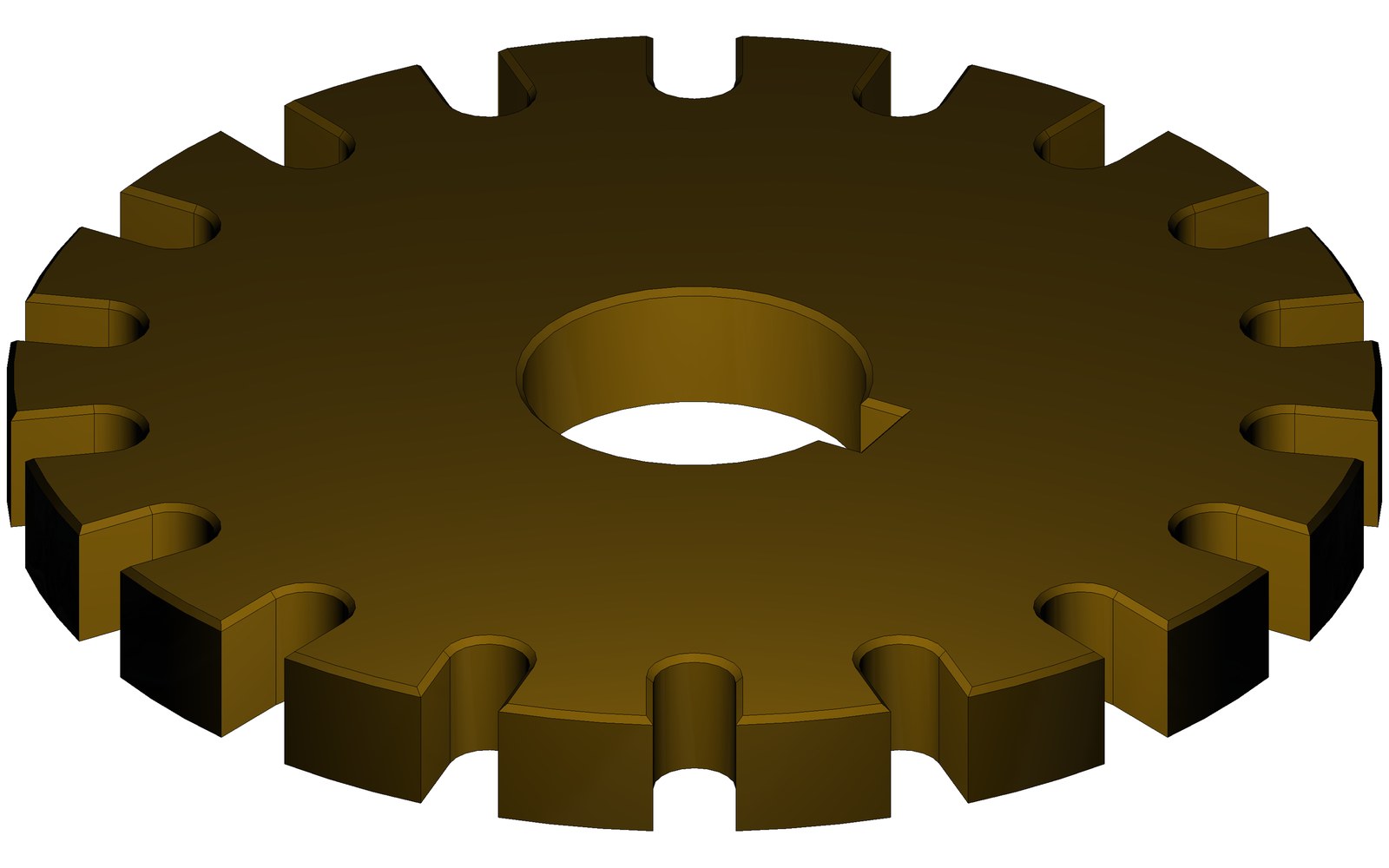
Every one of these is an ordinary 4C part: a tree of sketches and operations you can open, measure and change. The AI built them through the same MCP tools described below, checking each step against the model's own measurements.
How the AI works in 4C
- Connect. 4C runs a small MCP server on your own PC. It is off until you turn it on, reachable only from that PC, and protected by a token. Claude Desktop and Claude Code connect with one button. Your files never leave the PC; only the AI's thinking does.
- Ask. "A 100 × 60 × 12 mm aluminum plate with four M6 counterbored holes 10 mm in from the corners." Or click a face in 4C and say what you want there.
- It builds real features. Sketches with dimensions and constraints, extrudes, holes, fillets, patterns, mates. After each step it measures the result and corrects anything that does not match.
- Then the CAM. Pockets, profiles, facing, drilling, chamfers, 3D roughing and finishing, with a simulation that reports gouges, leftover stock and rapids through material before anything moves.
- You stay in charge. Every AI change is an ordinary operation in the tree: visible, editable, undoable. The AI never clicks 4C's windows, asks you to click when a face is ambiguous, and has no tool that moves the machine.
What 4C does
| CAD | Parametric tree. Sketches with constraints, dimensions and formulas. Extrude, revolve, loft, holes with counterbores, fillets and chamfers, booleans, linear, grid and rotary patterns, primitives, surfaces. Assemblies with mates and placed instances. |
| Import and export | STEP, IGES and DXF in and out; STL out; circuit boards in from EAGLE files, with components. Replace a model with a new file and the toolpaths re-link. |
| CAM | Pockets including high-speed and patented constant-engagement pocketing, profiles, facing, drilling and canned cycles, chamfers and corner rounding, engraving, 3D roughing and surface finishing, 4th-axis and 5-axis work with tool-center-point control. |
| Simulation | Live material-removal simulation. Scrub back and forth; it reports gouges, rapids through material and holder contact. |
| Variables | One $variables table drives sketch sizes, toolpath settings and G-code. Change a value and everything follows. |
| G-code | Import G-code programs and run them beside 4C's own operations. |
| Machine control (CNC) | 4C is the operator screen for a DM-controlled machine: tool table, tool changers, spindle, coolant, fixtures, handwheel, diagnostics. |
| Measuring (CMM) | A touch probe on the machine finds and measures features, sets work offsets, checks the finished part against the model, and captures points off an existing part so you can model it. |
| Languages | The interface is available in several languages. |
What the AI costs you
- Your own Claude subscription (Pro or Max), through MCP. No API key, no per-token bill.
- Or your own API key in 4C's built-in chat panel, paid per token.
- A free first taste, paid by DM, is being prepared for new users.
Getting 4C
4C runs on a Windows PC with or without DM hardware. Without hardware it designs, programs and simulates; connected to DM motion control it also runs the machine. A trial and pricing for 4C on its own are being prepared; DM supports it directly. Ask to be told when it is ready.